C444 Game Login Register: Setting Up a New Account
If you do not have an account yet, registration comes before login. You only need a Pakistani mobile number and a password to get started. The entire process takes under two minutes.
1. Open the C444 app after installing the APK
2. Tap Register on the opening screen
3. Enter your Pakistani mobile number
4. Set a password — use at least 8 characters with letters and numbers mixed
5. Add a referral code if someone gave you one (optional — adds a starting bonus to your wallet)
6. Tap Submit
7. Enter the OTP delivered to your mobile number
8. Tap Verify to confirm your account
Your account activates immediately after OTP confirmation. You can log in right away and access all game sections, your wallet, and the referral system. No waiting period, no secondary verification.
Logging In on a New or Different Phone
Your c444 game login works on any Android device. When you sign in on a new phone for the first time, the platform may send a one-time verification OTP to confirm the new device. After that, it works exactly like a standard login.
- Enter your registered mobile number and password as normal
- If prompted, enter the OTP sent to your number to confirm the new device
- Your wallet, game history, referral earnings, and all account data carry over automatically
- The session on your previous device closes once you confirm the new one
- You will need to log in again on the old phone if you switch back
How to Reset Your C444 Login Password
Forgotten passwords are recovered through your registered mobile number. Your wallet balance and account history are not affected at any point during the reset process.
1. Open the C444 app
2. Tap Login on the main screen
3. Tap Forgot Password below the login fields
4. Enter your registered mobile number
5. Tap Send OTP
6. Enter the OTP from your messages
7. Type your new password — different from the previous one
8. Tap Confirm to save it
9. Log in immediately with your new credentials
The previous session closes automatically once the new password saves. If the OTP does not arrive within 60 seconds, request it again. Make sure the number you entered matches the one registered to your account — the OTP only goes to the registered number.
What You See After Login — Dashboard Overview
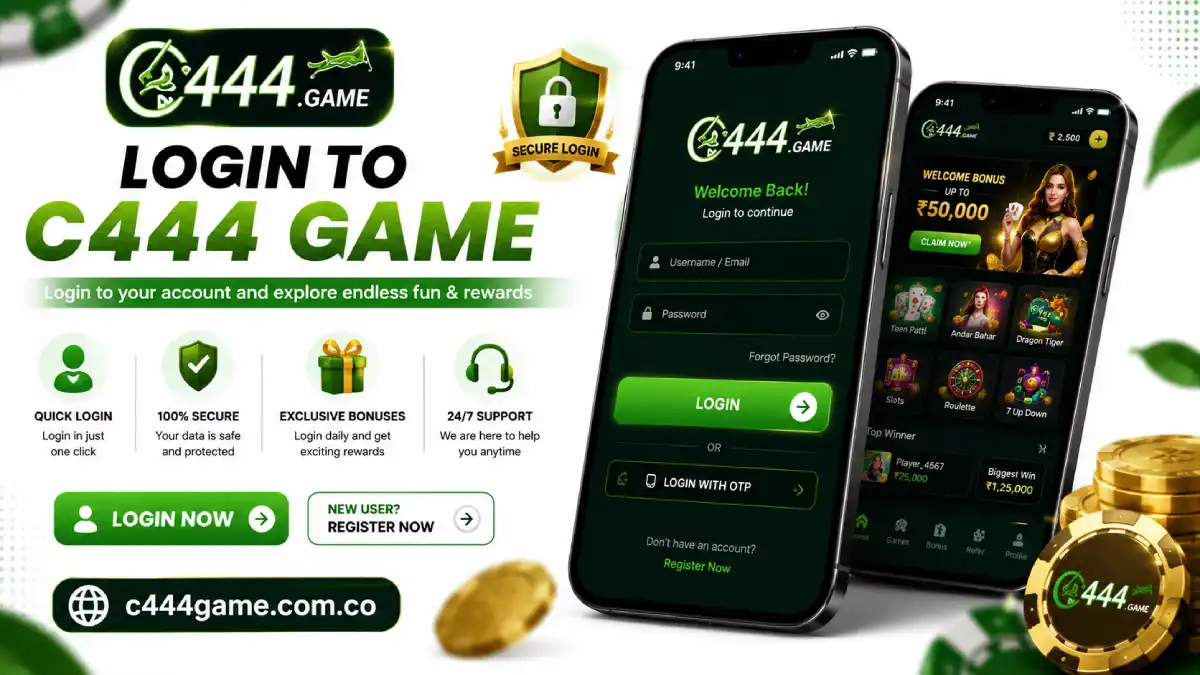
The main dashboard loads right after a successful c444 game login. Understanding the layout from day one saves time navigating during a session:
- Wallet balance — your current PKR total shown at the top of the screen
- Game categories — spin, card, and fishing sections listed below the balance
- Bonus section — daily login credit status, active events, and referral earnings summary
- Deposit and Withdraw buttons — quick access to wallet funding and payout
- Referral code — your personal code and a count of how many active referrals you have
- VIP status — your current tier and what unlocks at the next level
Keeping Your C444 Account Secure
- Use a password you do not use on any other app or platform
- Do not log in on shared phones — your wallet data stays in the session cache until you log out
- If you access the app on a phone that is not yours, log out manually before returning the phone
- If you suspect someone accessed your account, reset your password immediately through Forgot Password
- Never share your OTP with anyone — the platform will never ask for it outside of standard verification
- Keep the app updated — security patches arrive with version updates
C444 Login Problems and Fixes
|
Problem
|
Most Likely Cause
|
Fix
|
|
Incorrect password error
|
Wrong character or caps lock active
|
Tap show password icon and retype carefully
|
|
Mobile number not found
|
Wrong number entered or not registered
|
Double-check number, use Register if new to the platform
|
|
OTP not arriving
|
Network delay or number mismatch
|
Wait 60 seconds, confirm the number, request again
|
|
Login button not responding
|
App needs an update
|
Download and install the latest APK from c444.com
|
|
Black screen after login
|
App cache corruption
|
Clear cache: Settings > Apps > C444 > Storage
|
|
Account temporarily locked
|
Too many wrong password attempts
|
Wait 10 minutes then try again or use Forgot Password
|
|
Session expired without logout
|
Inactivity timeout
|
Log back in — wallet and data are unaffected by session expiry
|
Conclusion
The c444 game login process is designed to be as fast as possible. Once you are registered and know the dashboard layout, daily logins take seconds. If you get locked out at any point — from a forgotten password, a new phone, or a session issue — the OTP recovery process gets you back in quickly without any support ticket needed in most cases.
I forgot which mobile number I registered with. What do I do?
Try the numbers you commonly use with Pakistani SIMs. If none work, contact C444 support through in-app chat with your approximate registration date — they can help locate the account.
Can I change my registered mobile number?
Not from inside the app. Submit a change request through in-app support chat with your account details. The team handles this manually.
Does c444 com have a web login for PC?
Some pages of c444.com open in a browser, but the full c444 game login and all game access only work inside the installed APK on Android. There is no PC or web-based gameplay version.
After login my wallet shows zero but I had balance. What do I do?
Pull down to refresh the wallet page first. If balance is still missing after 5 minutes, contact support immediately through in-app chat. Do not start any game session until the wallet reflects correctly.
Is there a two-step login on C444 game?
Standard login uses your number and password. On a new device, a one-time OTP confirmation may be required. This is a security step, not a permanent two-step process.
How long does a C444 session stay active?
Sessions stay active until you manually log out. Extended inactivity — typically several days without opening the app — may trigger an automatic sign-out, but your wallet balance and account data are never affected by session expiry.
Can I register more than one C444 account on the same phone?
No. Each mobile number links to one account only. Multiple accounts on one device or one number violates platform rules and risks a permanent ban on all linked accounts.